

If you work inside HubSpot long enough, you'll eventually run into the same question every new user asks: "Should I put this in a Workflow or a Sequence?" On the surface, the two tools look almost identical. Both send automated emails. Both include built-in delays between steps. Both save your team from doing repetitive manual work. It's no surprise that Workflows and Sequences get confused constantly, even by people who've been using HubSpot for years.
But under the hood, they're built for completely different jobs. Sequences are a sales tool designed for personal, one-to-one outreach. Workflows are a marketing and operations tool designed for scalable, system-wide automation. Mixing them up doesn't just create clutter in your portal, it can hurt deliverability, confuse your sales process, and even create compliance headaches with email regulations.
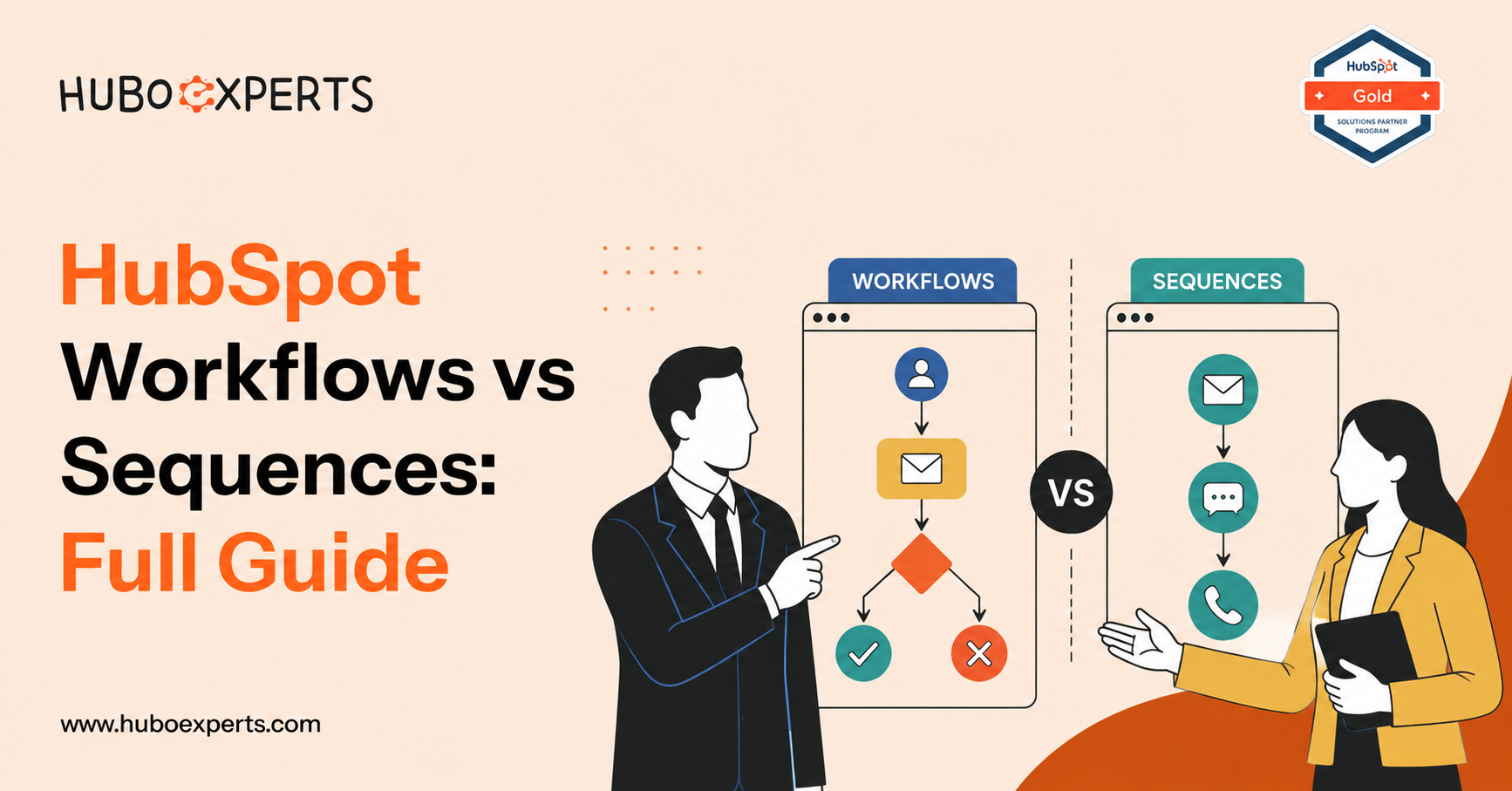
This guide breaks down exactly what each tool does, how they differ, and how to decide which one belongs in any given situation.
What Are HubSpot Sequences?
A Sequence is a set of automated, time-delayed sales emails and tasks that a rep enrolls a specific contact into, one at a time. Think of it as a smarter, semi-automated version of manually emailing someone from your inbox. A typical sequence might look like this:
-
Day 1: Send a personalized outreach email
-
Day 3: Send a short follow-up email
-
Day 5: Create a task to call the prospect
-
Day 8: Create a task to connect on LinkedIn
-
Day 10: Send a final "checking in" email
Sequences live inside Sales Hub and are almost always owned by an individual sales rep. Emails sent through a sequence come from the rep's own inbox (Gmail or Outlook, connected to HubSpot), which means they look and feel like normal one-to-one correspondence, not a mass marketing blast. That personal quality is the entire point of the tool.
Key characteristics of Sequences:
-
Manual enrollment only. A rep has to actively add a contact to a sequence, either one at a time or in a small bulk selection. There's no rule-based auto-enrollment for standard sales sequences (some advanced automated enrollment options exist for certain Sales Hub Enterprise setups, but this isn't the default behavior).
-
Sent from a real inbox. Because sequence emails come from a connected personal mailbox, they count against daily sending limits and are subject to the same deliverability rules as regular email.
-
Automatically stops on reply. If a contact responds, books a meeting, or unsubscribes, HubSpot automatically unenrolls them so they don't keep receiving canned follow-ups after a real conversation has started.
-
Combines email with tasks. Sequences aren't limited to email. They can also queue up call reminders, LinkedIn touchpoint tasks, and other manual to-dos for the rep.
-
Linear, one-path structure. Every enrolled contact follows the same fixed sequence of steps unless they're manually removed. There's no branching logic based on contact properties.
Sequences exist to help sales reps stay consistent without turning outreach into an obviously automated mass email campaign.
What Are HubSpot Workflows?
A Workflow is a rule-based automation engine that acts on contacts, companies, deals, tickets, or custom objects whenever they meet criteria you define. Workflows live inside Marketing Hub, Sales Hub, Service Hub, and Operations Hub, depending on the plan, and they're generally owned and maintained by marketing, RevOps, or operations teams rather than individual reps.
A workflow might do something like this when a lead fills out a demo request form:
-
Wait 5 minutes, then send a marketing confirmation email
-
Update a lifecycle stage property to "Marketing Qualified Lead"
-
Check a branching condition: is the company size over 50 employees?
-
If yes, route the lead to an enterprise rep and create a task
-
If no, enroll them in a separate nurture workflow instead
-
Notify the sales team in Slack or by internal email
Key characteristics of Workflows:
-
Automatic and manual enrollment. Contacts (or other objects) can be enrolled automatically based on triggers like form submissions, property changes, list membership, deal stage changes, or ticket status. You can also enroll them manually.
-
Marketing emails, not personal emails. Emails sent from a workflow are built in HubSpot's Marketing Email tool. They're templated, brand-consistent, and designed for one-to-many sending, not disguised as a personal note from a rep.
-
Branching, conditional logic. Workflows support if/then branches, goal criteria, delays based on time or date properties, webhooks, and integrations with other tools. This is where the real complexity and power live.
-
Not limited to email. Workflows can update properties, create or rotate deals, assign owners, send internal notifications, trigger webhooks, and orchestrate processes across your entire CRM, not just a contact's inbox.
-
Runs until a goal is met or the workflow ends. Unlike a sequence, a workflow generally keeps running based on system logic rather than stopping the moment someone replies to an email.
Workflows exist to enforce consistency and scale, operationalizing rules across your whole database rather than handling one relationship at a time.
Key Differences Between Workflows and Sequences
| Factor | Sequences | Workflows |
|---|---|---|
| Primary owner | Individual sales rep | Marketing/RevOps/Ops team |
| Purpose | 1:1 sales outreach and follow-up | Scalable, system-wide automation |
| Enrollment | Manual only (rep adds contacts) | Automatic (trigger-based) or manual |
| Email type | Personal emails from a connected inbox | Marketing emails built in HubSpot |
| Logic | Linear, single path for everyone | Branching if/then logic, goals, delays |
| Stops when | Contact replies, books, or unsubscribes | Goal is met or workflow explicitly ends |
| Scope of actions | Email + sales tasks (calls, LinkedIn, etc.) | Email, property updates, routing, notifications, integrations, and more |
| Available in | Sales Hub | Marketing Hub, Sales Hub, Service Hub, Operations Hub |
The clearest way to remember the split: Sequences are for conversations. Workflows are for systems.
If a message should read like something a real person would say out loud on a phone call, it belongs in a sequence. If a message or action should apply consistently to hundreds or thousands of records without a human making a judgment call each time, it belongs in a workflow.
When to Use HubSpot Sequences
Reach for a sequence when the goal is a genuine, personal back-and-forth with a specific person. Good use cases include:
-
Outbound prospecting. Cold or warm outreach to a defined list of target accounts where a rep wants consistent, structured follow-up without manually tracking every touchpoint in a spreadsheet.
-
Post-demo or post-meeting follow-up. Keeping momentum after a sales call, with reminders to check back in if the prospect goes quiet.
-
Re-engaging stalled deals. A short, personal cadence to nudge a deal that's gone cold, mixing email nudges with call and LinkedIn tasks.
-
Event or conference follow-up. Following up individually with leads met at a trade show or webinar, where a personal tone matters more than volume.
In each case, the volume is manageable for one rep to own, the tone needs to feel human, and the process should stop the instant a real conversation starts.
When to Use HubSpot Workflows
Reach for a workflow when the goal is consistency, scale, or enforcing a process across your CRM. Good use cases include:
-
Lead nurturing. Sending a multi-email drip campaign to everyone who downloads a specific ebook or attends a webinar, regardless of who's assigned to them.
-
Lead routing and lifecycle management. Automatically assigning new leads to the right rep or queue based on territory, company size, or product interest, and updating lifecycle stage properties as contacts move through the funnel.
-
Internal notifications. Alerting a manager, CS rep, or Slack channel automatically when a deal is won, a high-value form is submitted, or a support ticket ages past a certain threshold.
-
Data hygiene. Cleaning up or standardizing property values, deduplicating records, or filling in missing data automatically based on other fields.
-
Customer onboarding and retention. Triggering a structured onboarding email series the moment a deal closes, or flagging at-risk accounts for the customer success team based on usage data.
Workflows are the right tool whenever the same logic needs to apply reliably to everyone who meets a set of conditions, without a human deciding case by case.
Where the Two Tools Work Together
In a mature go-to-market setup, Workflows and Sequences aren't competitors, they're complementary. A common pattern looks like this:
-
A Workflow handles lead scoring, routing, and lifecycle stage updates automatically as leads come in through forms, ads, or other channels.
-
Once a lead is qualified and assigned to a rep, a Workflow can create a task prompting the rep to enroll that contact in the right
Sequence based on persona or deal stage.
-
The rep runs the Sequence to have a genuine, personalized conversation, and the sequence automatically stops the moment the contact engages.
-
If the deal doesn't move forward, a Workflow can re-enroll the contact into a longer-term nurture track to stay warm for the future.
In this model, workflows set the rules and manage the system, while sequences execute the human part of the relationship within those rules. Blurring that line, for example, trying to run bulk marketing blasts through a sequence, or trying to fake a personal conversation through a mass workflow email, usually backfires. It creates duplicate outreach, confuses reporting, and can even trigger spam filters or violate email marketing regulations that require unsubscribe options in certain types of messages.
Common Mistakes to Avoid
-
Using a sequence for marketing blasts. Sequences are sent from a personal inbox and count against daily sending limits. Trying to use one for high-volume outreach will hurt deliverability and may violate your email provider's sending policies.
-
Using a workflow for a single VIP prospect. Workflow emails are templated marketing emails. For a high-stakes, personal deal, a sequence (or a fully manual email) will always feel more authentic.
-
Letting sequences and workflows enroll the same contact for conflicting messages at the same time. Without clear rules for suppression, a contact might get a marketing nurture email and a sales rep's manual follow-up on the same day, which looks disorganized and can annoy prospects.
-
Forgetting to unenroll contacts from workflows once a deal closes or a rep takes over. Leaving automated marketing emails running after a sales conversation has started sends mixed signals.
Conclusion
HubSpot Workflows and Sequences aren't competing tools—they solve different problems. The key is knowing when you need automation and when you need a human touch.
Use Workflows to automate repetitive processes, keep your CRM clean, and ensure every lead, deal, and customer follows a consistent journey. Use Sequences when your sales team is building one-to-one relationships where every conversation matters.
At HuboExperts, we've found that the highest-performing HubSpot portals don't rely on one or the other—they use both strategically. Workflows handle the operational heavy lifting behind the scenes, while Sequences empower sales teams to create timely, personalized conversations that convert.
When each tool is used for the purpose it was designed for, your CRM becomes more efficient, your team becomes more productive, and your customer experience becomes significantly stronger. That's how you turn HubSpot from just a CRM into a scalable revenue engine.
Frequently Asked Questions
1. What's the main difference between HubSpot Workflows and Sequences?
Sequences are a sales tool for 1:1, rep-led outreach that stops when a contact replies. Workflows are a marketing/ops tool for automated, rule-based processes that run at scale across your CRM.
2. Can I automatically enroll contacts into a Sequence?
No, not by default. Sequences require manual enrollment by a rep, either one contact at a time or in a small bulk batch. Workflows, by contrast, support automatic trigger-based enrollment.
3. Do Sequence emails count as marketing emails?
No. Sequence emails are sent from a rep's connected personal inbox (Gmail or Outlook) and are treated as one-to-one sales emails, not bulk marketing emails.
4. Which HubSpot tiers include Workflows and Sequences?
Sequences are available in Sales Hub. Workflows are available across Marketing Hub, Sales Hub, Service Hub, and Operations Hub, with functionality varying by plan tier.
5. Can Workflows send emails from a personal inbox like Sequences do?
No. Workflow emails are built and sent through HubSpot's Marketing Email tool, so they're templated and designed for one-to-many sending rather than appearing as personal correspondence.
6. What happens to a Sequence if a contact replies?
HubSpot automatically unenrolls the contact from the sequence once they reply, book a meeting, or unsubscribe, so they stop receiving further automated steps.
7. Can Workflows include branching logic?
Yes. Workflows support if/then branches, goal criteria, delays, and conditional paths based on contact, company, deal, or ticket properties — something Sequences don't offer.
8. Should I use a Workflow or a Sequence for lead nurturing?
Use a Workflow. Lead nurturing typically needs to run consistently across many contacts without a rep manually enrolling each one, which is exactly what Workflows are built for.
9. Can Sequences and Workflows work together?
Yes. A common setup uses Workflows to handle lead scoring, routing, and lifecycle updates, then triggers a task for a rep to enroll the qualified lead into the right Sequence for personal follow-up.
10. What's a common mistake teams make when choosing between the two?
Using a Sequence for bulk marketing blasts (which hurts deliverability and violates sending limits) or using a Workflow for a single high-value prospect (which feels impersonal and templated).

